Samples
Starter Assets
This sample provides pre-configured assets to streamline VITURE XR project setup. We advise importing this sample to accelerate your development workflow. Make sure to install all required dependencies and samples for everything to work properly.
Assets included:
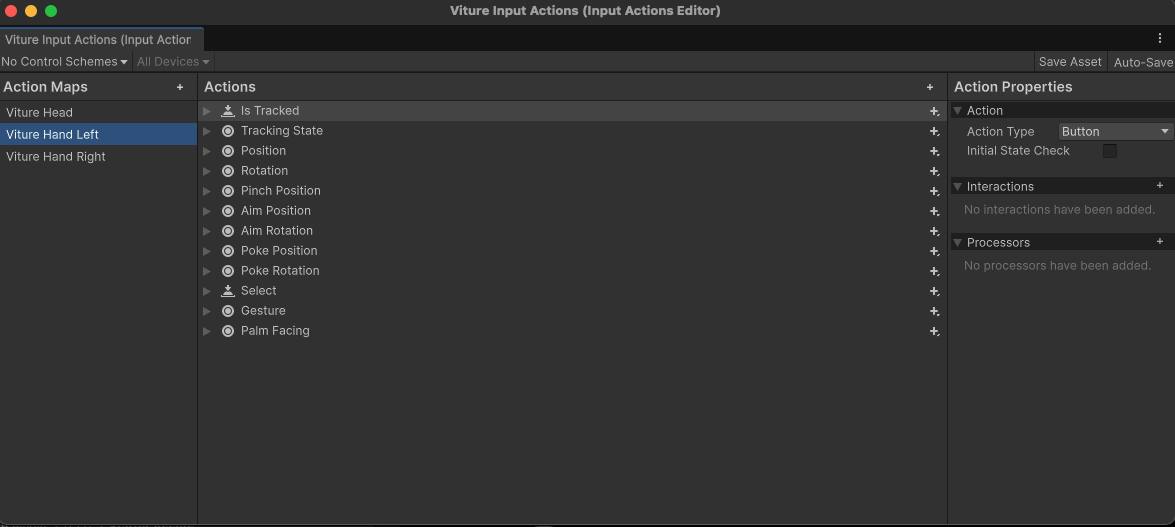
Viture Input Actions
Input Action Asset containing VITURE-specific hand tracking actions and gestures, ready to use with XR Interaction Toolkit (XRI).
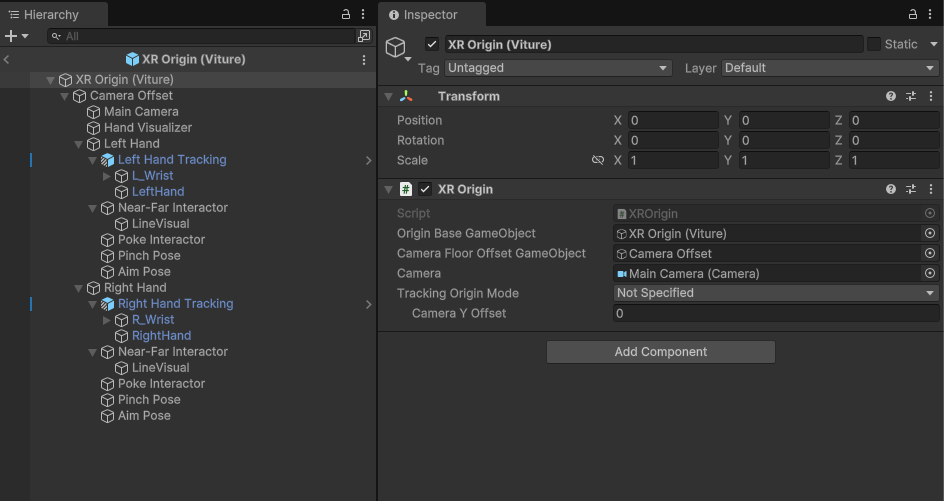
XR Origin (Viture)
Pre-configured XR Origin prefab with main camera and hand tracking components. Includes Near-Far Interactor and Poke Interactor already wired up with VITURE input actions.
Viture Quick Actions
System UI prefab that appears when users look up, providing essential functions:
Add this to let users access system-level controls in your application.
Two Hand Transform Cube
Demonstration prefab showcasing the TwoHandTransform script for intuitive two-handed object manipulation. Pinch with both hands simultaneously to translate, rotate, and scale the target object using natural hand gestures.
Hand State Demo
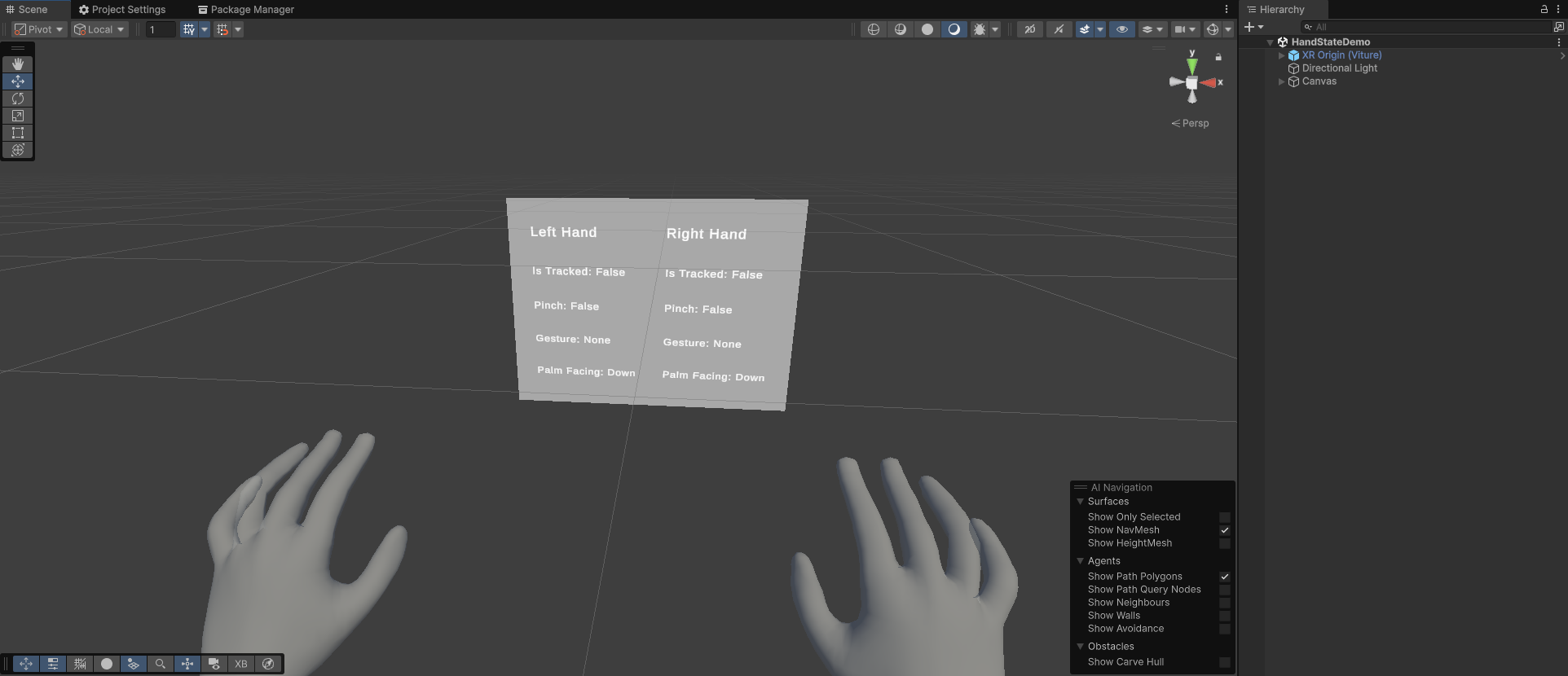
Beyond standard hand tracking, the VITURE SDK provides additional data including built-in gestures and palm facing states. This sample demonstrates how to access this extra data through Input Actions using both direct reading and callback methods.
The demo features a real-time UI displaying both hands' tracking states, gestures, and palm orientations. Reference the included script to see how to retrieve hand state data in your own code.